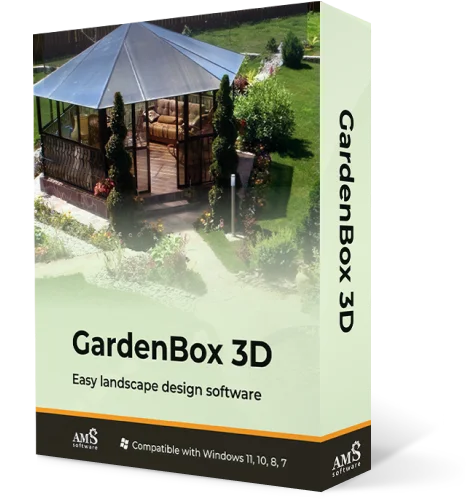
Landscape & Irrigation Design
Software for Sprinkler Systems
Make an efficient irrigation plan in minutes
For Windows 11, 10, 8, 7


How to Design a Sprinkler System with GardenBox 3D
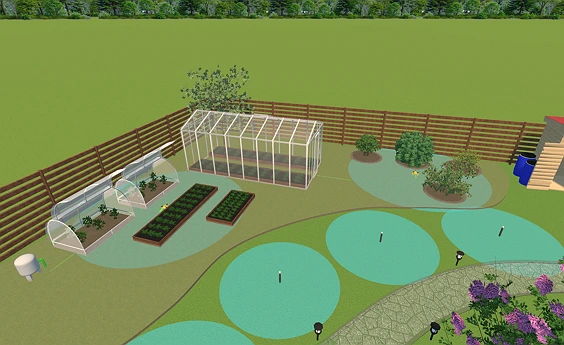
You can easily design your property and plan its irrigation with GardenBox 3D. A proper plan will help you avoid wasteful overspray, maximize your system efficiency, and achieve uniform coverage across your entire landscape. This is how you can plan an irrigation system that you can install with no second thought:
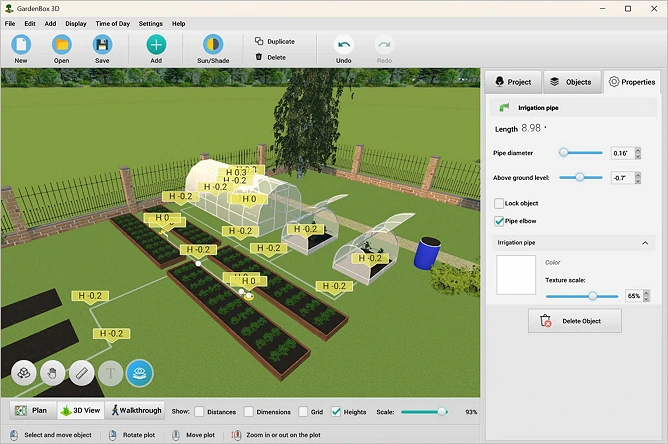
Explore 500+ Landscaping Elements
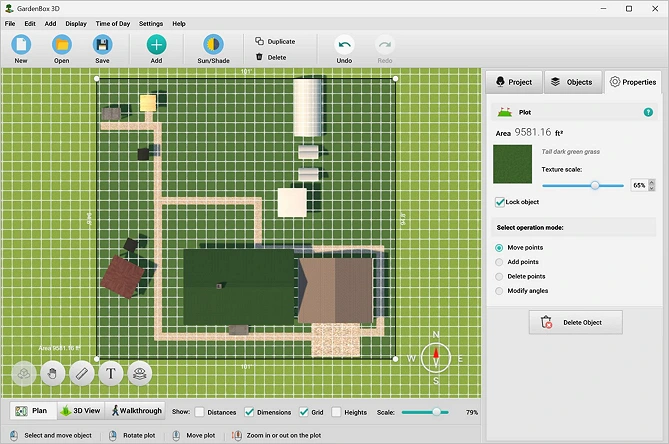
GardenBox 3D offers 500+ models, including electricity and irrigation assets, buildings, furniture, and decor. You can easily scale any object, group plants with similar needs together, and arrange drought-tolerant varieties alongside traditional foliage to match your target soil type and regional climate.
Since GardenBox 3D is an offline desktop program, it lets you render complex projects smoothly without any internet lag or privacy risks. Plus, if you create plans for clients, you can present irrigation designs with no hassle even in rural areas.

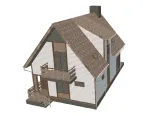
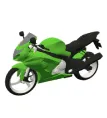
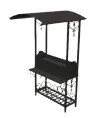
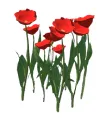
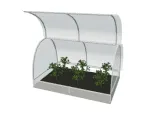
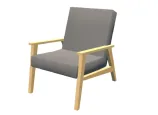
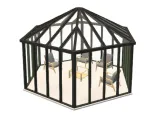
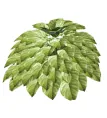
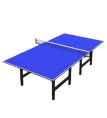
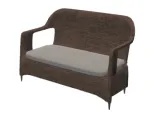
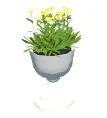

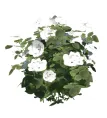
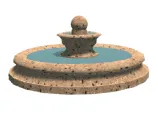
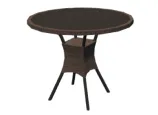
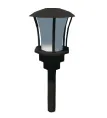
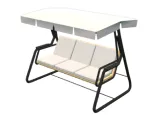
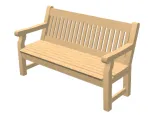

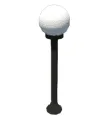
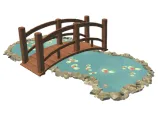
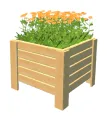
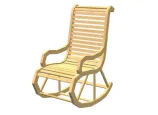
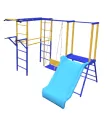
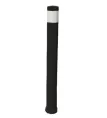
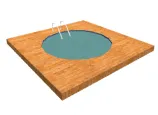
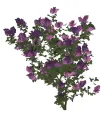
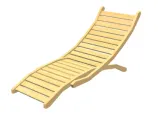
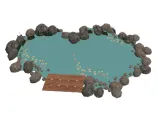
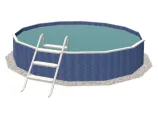
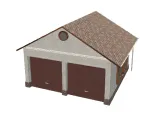
scroll through the landscape
design items
For Windows 11, 10, 8, 7
Experiment with Styles and Methods of Irrigation Zone Design
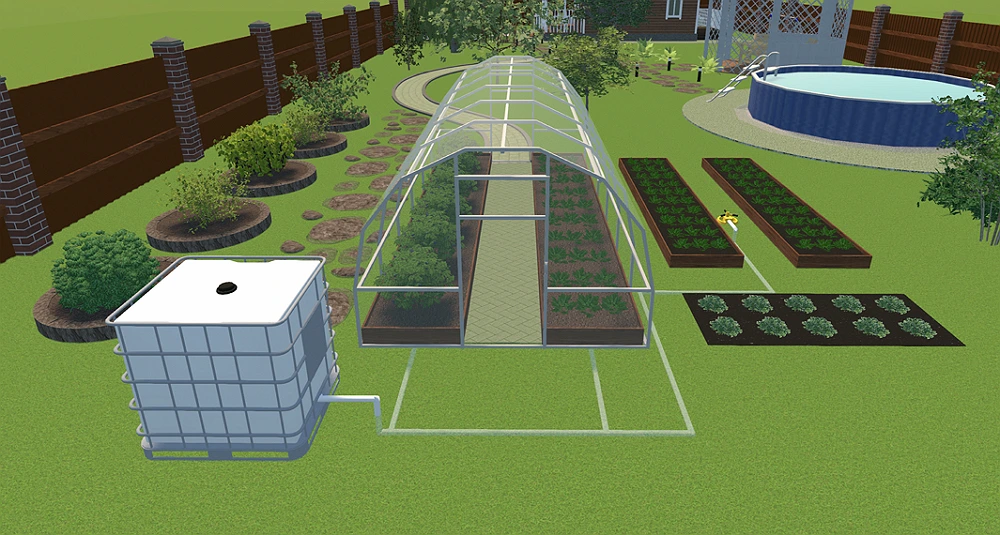
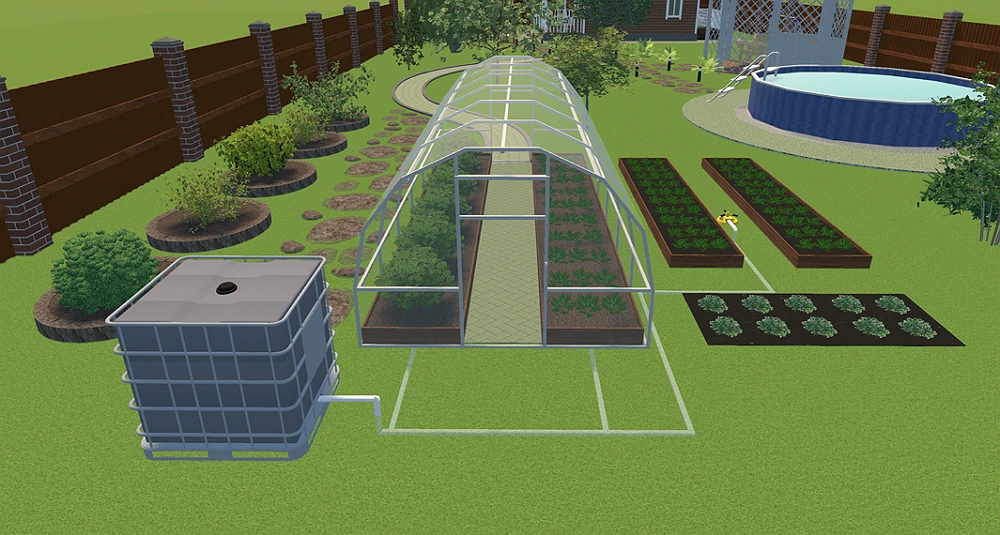
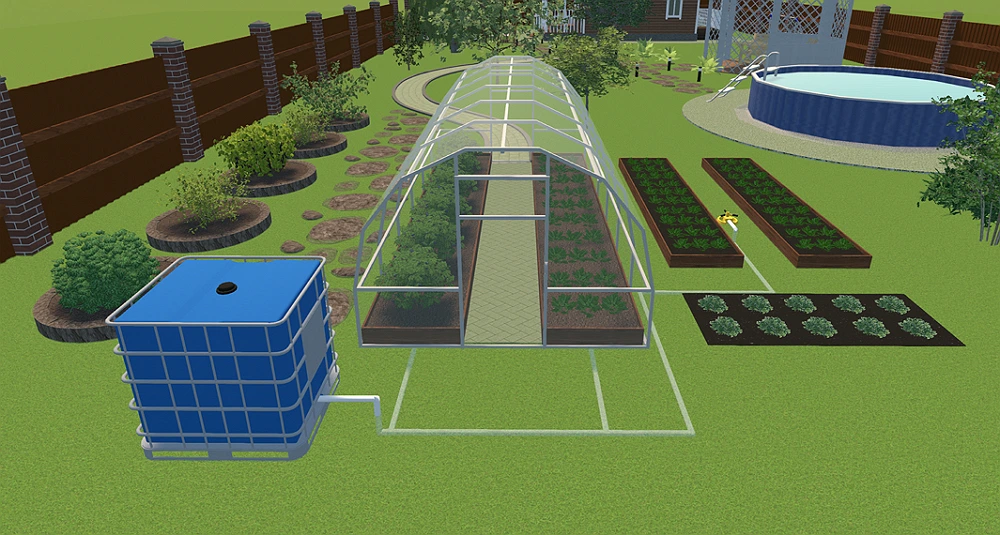
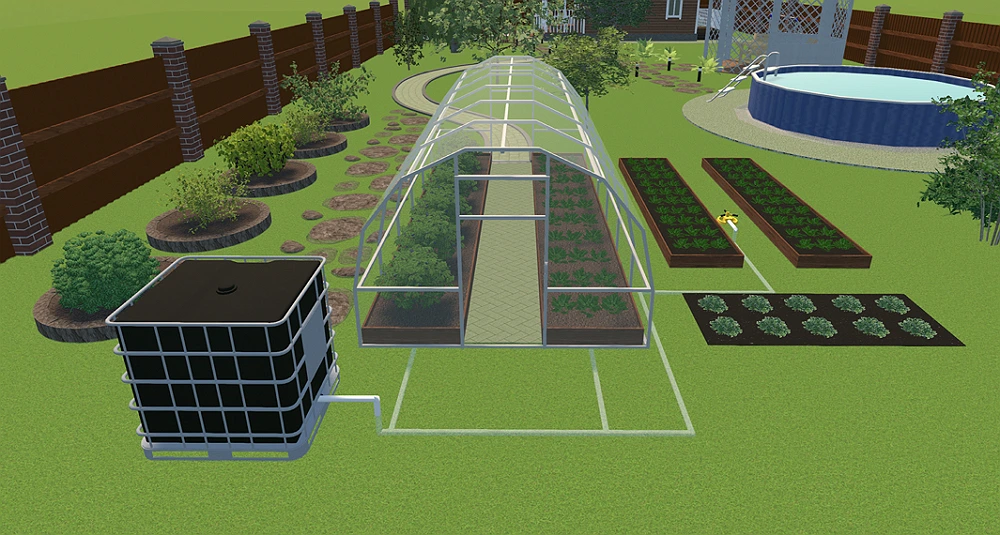
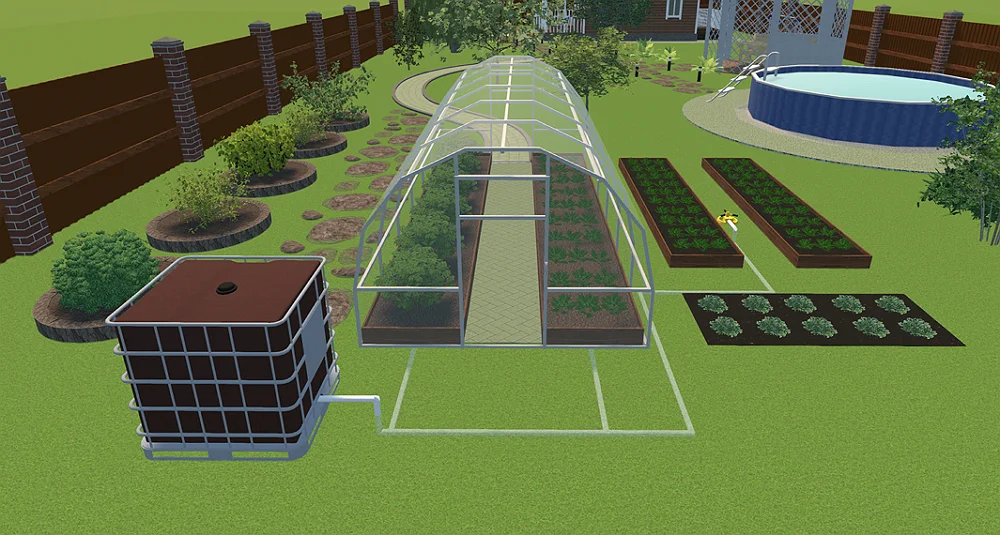
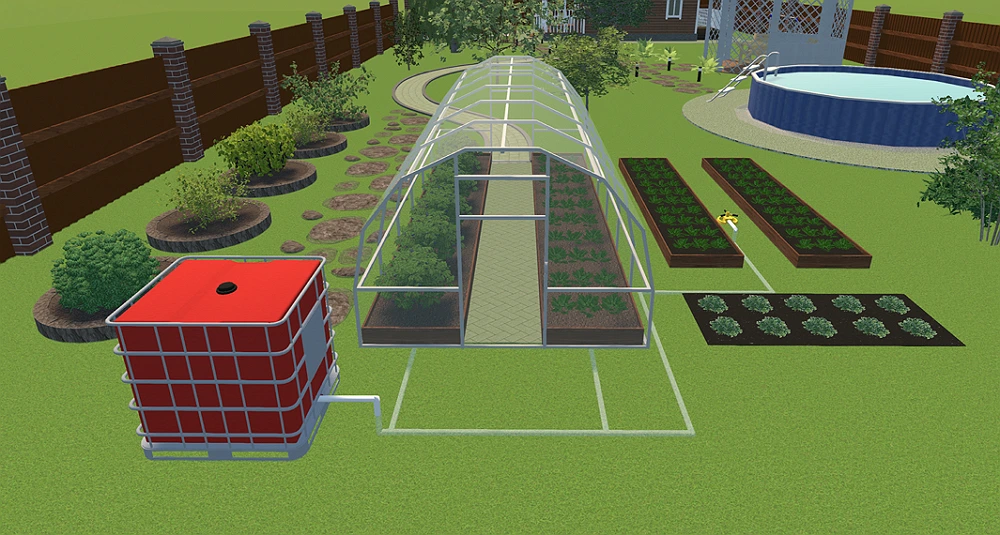
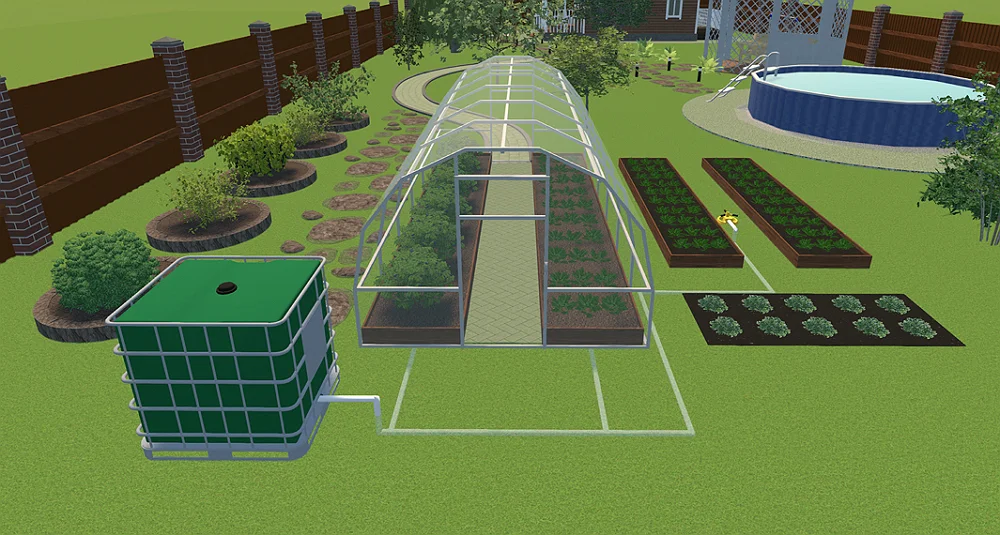
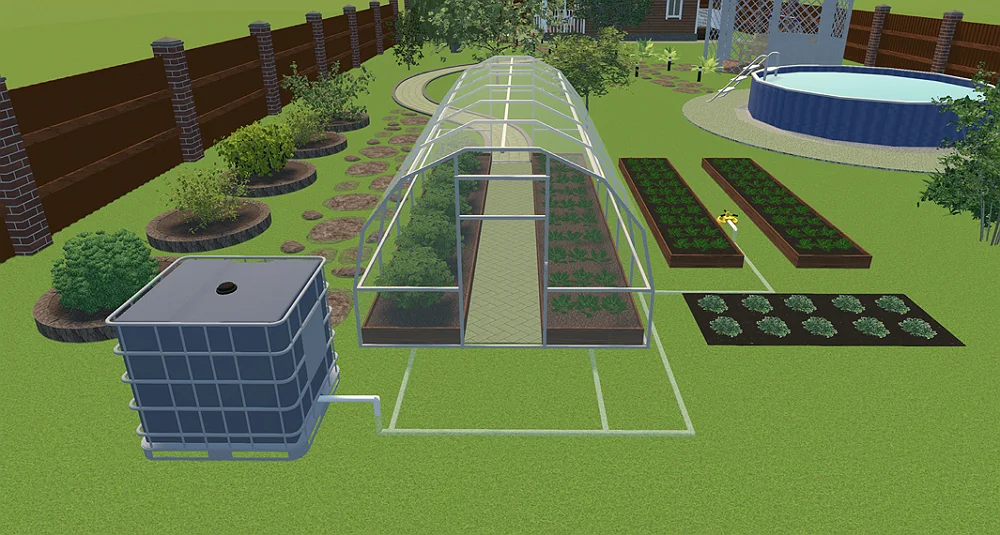


see the result
Easy-to-Use Design Software with Features for Professionals and Homeowners
GardenBox 3D combines advanced irrigation design features and DIY simplicity. There is a wide range of tools to help you make an efficient project, whether you’re planning the entire drip irrigation or simply changing the placement of sprinklers in your current plot. Let’s take a look!
Visualize Your Landscape Layout
- Recreate all the unique features of your actual yard, including slopes and elevations
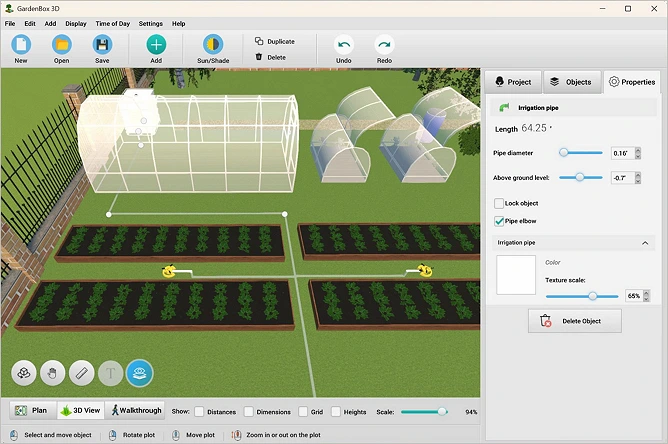
- Make the ground transparent to view the underground irrigation system
- Preview the height of all pipe bends
- Draft your plan considering sunlight and shadows at different times of day
- Scale any item to perfectly fit your plan
- Label zones with text captions
- Walk through your virtual yard in 3D
Make a Precise Sprinkler System
- Choose essential irrigation assets from the catalog:
a storage tank, water treatment system, pumping station, etc. - Separately adjust the depth or height of each
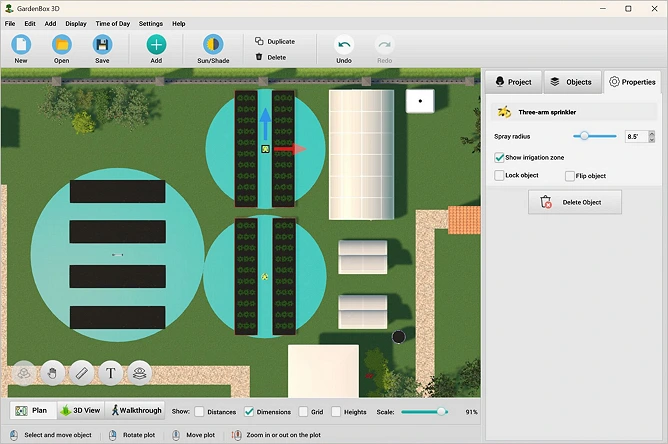
pipe segment - Change the sprinkler spray radius to minimize water waste and ensure efficient water delivery
- Make a planting layout grouping plants by their watering needs
- View measurements in feet, inches, or meters
Our Clients
Landscape designers and maintenance brands use GardenBox 3D to create a detailed irrigation design and build an efficient sprinkler system. It helps professionals across the United States, France, Germany, and other countries to safely install pipes, manage water pressure, and map out coverage zones.


















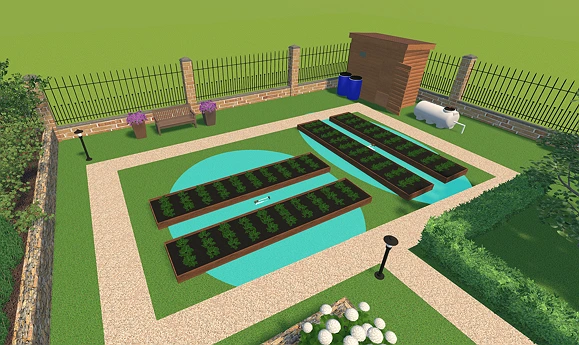
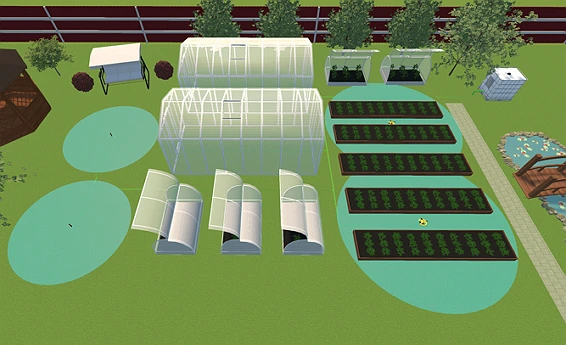
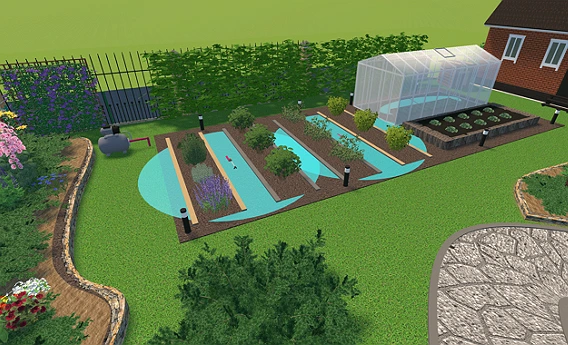
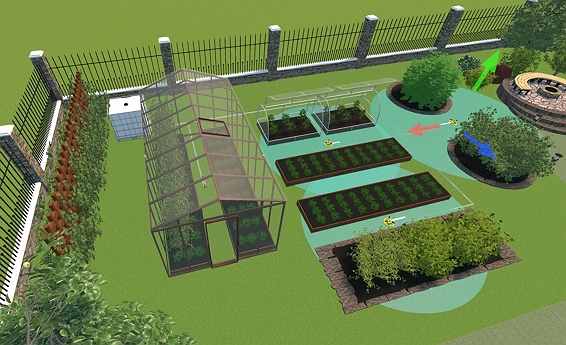
Irrigation Designs Made with GardenBox 3D
For Windows 11, 10, 8, 7
What Users Say about GadrenBox 3D


Design Ideas for Your Landscape
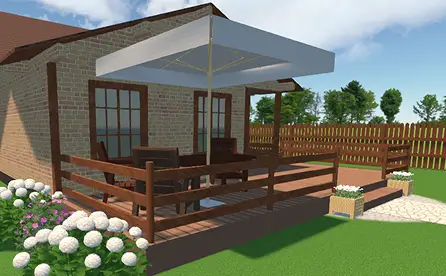
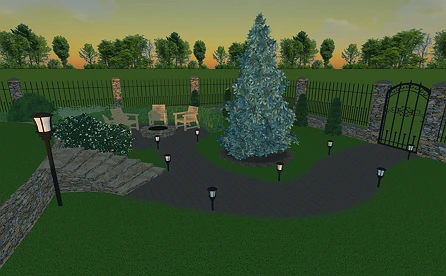
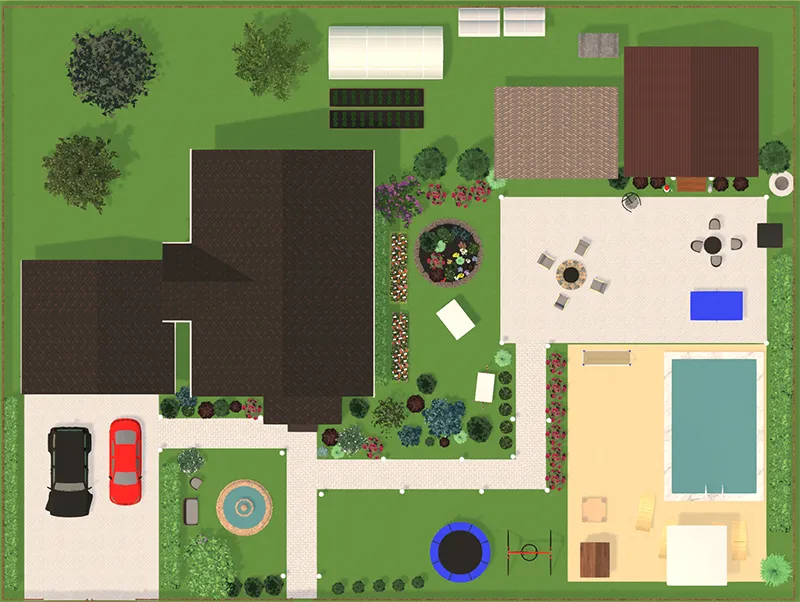
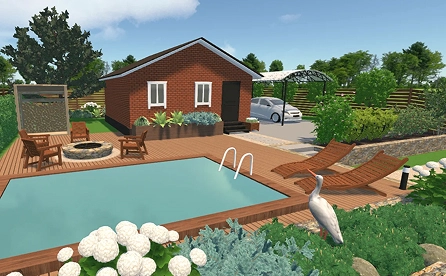
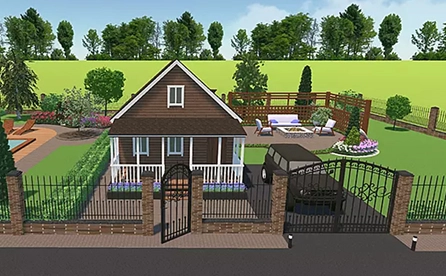
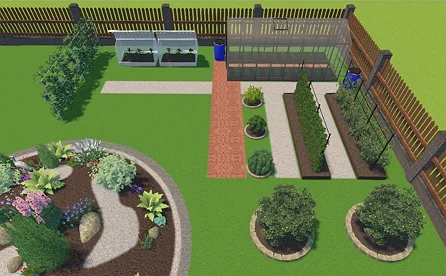
The functionality in GardenBox 3D goes far beyond basic irrigation design. You can easily map out detailed backyard plans, design a lounge zone, or create a dedicated space for family gatherings.
While mobile apps suffer from limited screen space and low processing power, our desktop program delivers precise measurement tools and robust rendering. And no Internet connection is needed! Looking for some inspiration for your projects?
Try some of these ideas!
For Windows 11, 10, 8, 7
FAQ
Test pressure with a spigot gauge and flow rate with a timed five-gallon bucket. Screw the gauge onto an outside faucet and turn it on fully to get your PSI. To find Gallons Per Minute (GPM), divide your bucket's size by the seconds it took to fill, then multiply that number by 60.
The most common yard irrigation methods are traditional high-pressure sprinklers and low-pressure drip systems. The first type uses rotating heads or fixed nozzles for open lawns. Meanwhile, residential drip irrigation utilizes an emitter or micro-sprayer network to deliver water directly to the soil, reducing evaporation around flower beds.
Get started with GardenBox 3D today!
- Design land plots, recreating actual shape & size
- Arrange buildings, plants, and furniture items
- Customize textures and colors of any surface
- Visualize your plot at any time of day
- Take a virtual walkthrough of your property